 dumbtop
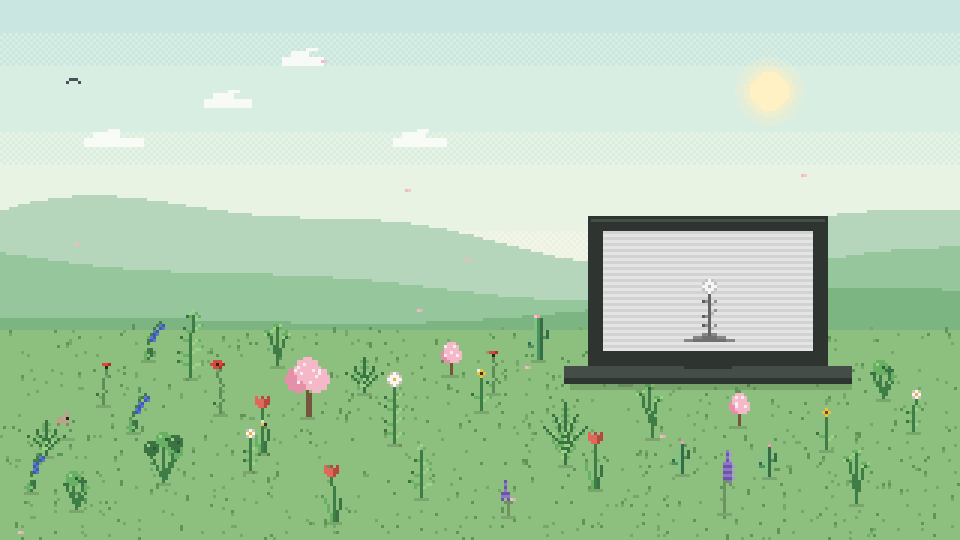
Make your laptop calm.
Dumbtop turns your Windows laptop into a calm, distraction-free "dumb laptop" with one tap: a black-and-white screen, quiet notifications, blocked distractions, a gentle focus timer and a pixel garden that grows while you focus.
No account. No ads. No tracking. Everything stays on your PC.
Coming soon to the Microsoft Store. · Privacy policy
Help
Website blocking isn't working? Install the free Dumbtop add-on for Chrome or Edge (links inside the app on the Blocking page), and keep the Dumbtop app running.
The screen stayed black and white? It can't: Windows removes Dumbtop's colour effect as soon as the app closes. If you use a Windows colour filter yourself, it's under Settings → Accessibility → Colour filters.
Do Not Disturb didn't turn on? Windows only lets apps switch it on with Microsoft's permission. Until then, Dumbtop opens the notification panel so you can switch it on with one click.
Bought Pro on another PC? Open Settings → Dumbtop Pro → Restore purchase, signed in to the Microsoft Store with the same account.
Anything else: use the "Support" link on Dumbtop's Microsoft Store page.